Quick answer: Choose a fixed screen when you need shared viewing, instructor oversight and high throughput. Choose VR when full immersion and 360 degree awareness are central to the skill. Many programs start with a fixed screen and add optional VR to the same Small Footprint Simulator pod.
What is the difference between VR and a fixed screen in a simulator?
A fixed screen displays the simulation in front of the trainee. Instructors, classmates and observers can see exactly what the trainee sees, which makes coaching and group instruction straightforward.
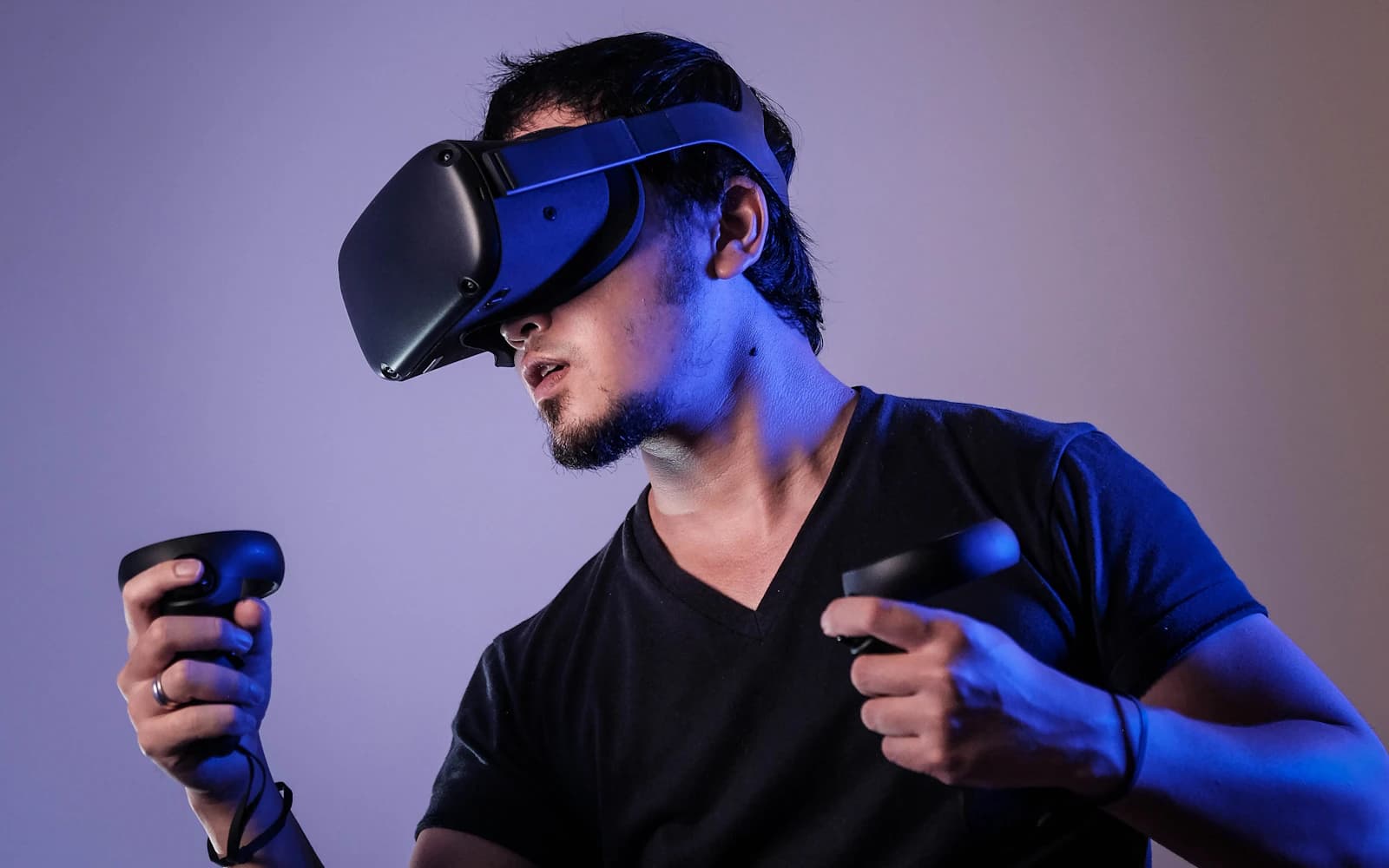
A VR headset places the trainee inside the environment. Head movement controls the view, so looking over a shoulder, checking a mirror or scanning a cockpit happens naturally. The tradeoff is that the experience is private unless it is mirrored to an external display.
When is a fixed screen the better choice?
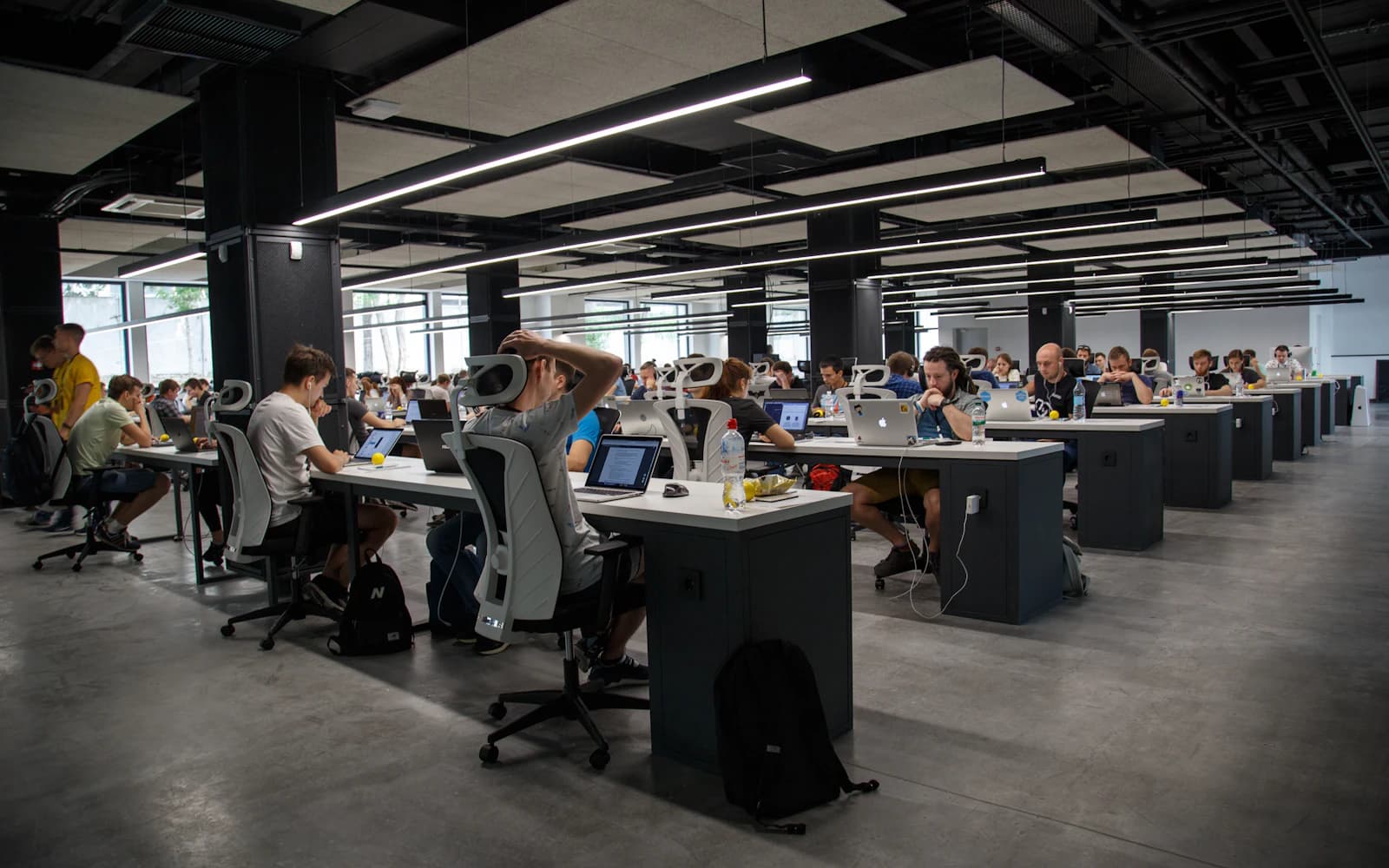
- Group instruction: classrooms where several students learn from one trainee's session.
- High throughput: esports lounges, recruiting events and open labs where users rotate quickly.
- Longer sessions: extended training blocks where comfort over time is a priority.
- New users: first-time trainees who benefit from a familiar, low-friction setup.
When does VR add the most value?
VR is strongest when spatial awareness is the skill being trained. Flight training benefits from natural head tracking during traffic scans and landing patterns. Heavy equipment and agricultural scenarios benefit from the ability to look around a machine. Drone and situational awareness exercises can also gain realism.
VR also helps programs present a high-impact experience at outreach events, where the goal is to inspire a future pilot, operator or recruit.
Can one pod support both display options?
Yes. Optional VR is available on the Small Footprint Simulator, so a program does not have to choose one approach forever. The pod's 100+ control options, including HOTAS, yokes, rudders, force-feedback wheels, pedals and shifters, work with either display. That flexibility lets a school run fixed-screen instruction during class and VR sessions for advanced students or events.
The physical footprint stays the same either way: 80 inches long, 32.6 inches wide and 56 inches high, running on a single 110V outlet. The pod still rolls through standard doors and onto service elevators on wheels.
Frequently asked questions
Is VR required to get value from a training pod?
No. Most programs train effectively on a fixed screen. VR is an optional upgrade for skills that depend on immersion and head tracking.
Does adding VR change the pod's setup time?
The pod arrives fully assembled, and setup and calibration typically take about 15 minutes. VR adds headset configuration, which is a routine step.
Which display works best for esports programs?
Fixed screens are usually the right fit for competitive esports and spectator viewing. VR can complement them for specific titles and events.
Compare control setups on our controllers page, then talk with our team about the right display for your program.